The podcast player on your side
Get to the point of podcasts.
Pick a topic. Whittle finds it in every show and plays only those parts. New ones each day, and ads skipped.
Whittled Playlists
Only the parts you care about.
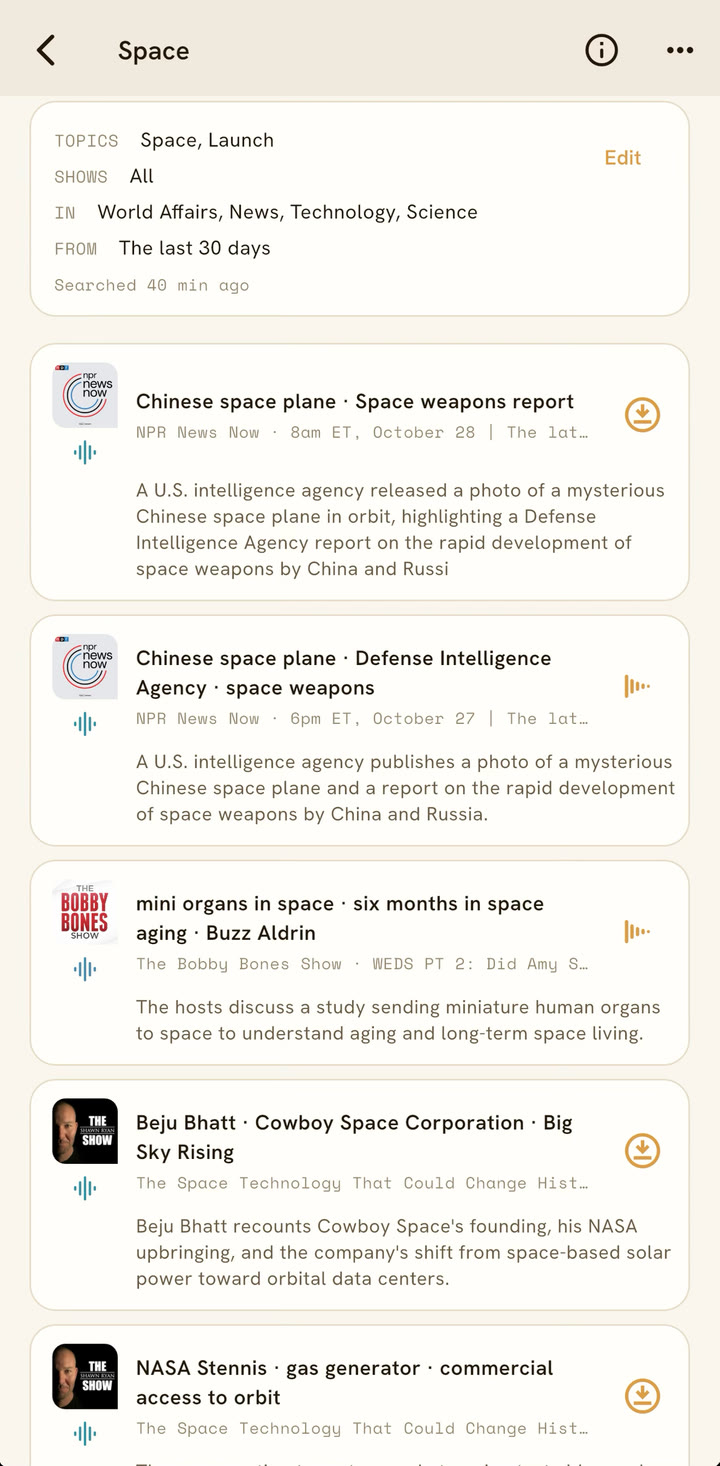
Pick a topic, like "climate policy" or your team. Whittle finds it in every show and plays those parts one after another. New ones come in each day.
- Add topics to include and words to avoid.
- Narrow it with categories like Sports, pick shows or block them.
- Each part shows a short summary. Parts of one episode stay together, in order.
- Whittle gets the next parts ready and deletes played episodes.
- Share a playlist with a link. Playlists sync between your devices, encrypted.
Every episode, mapped
Go straight to the part you came for.
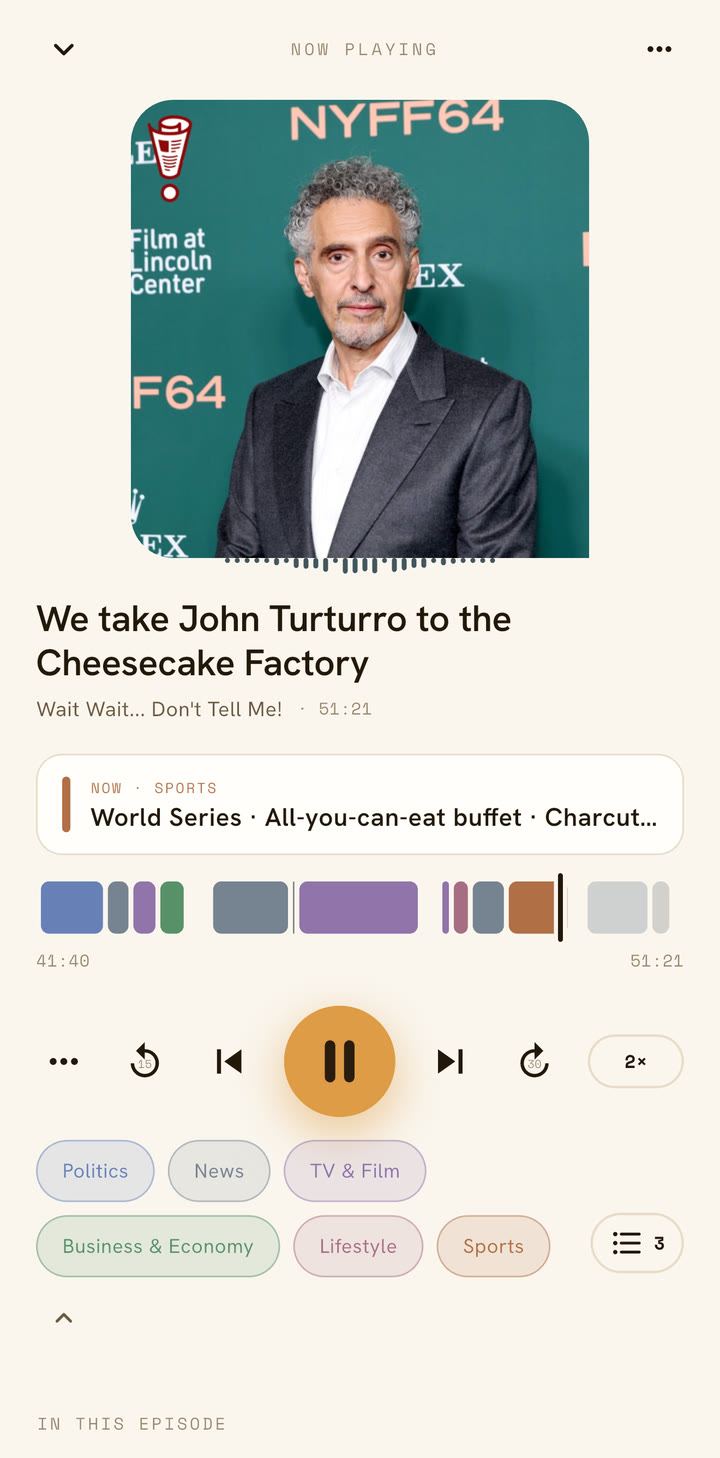
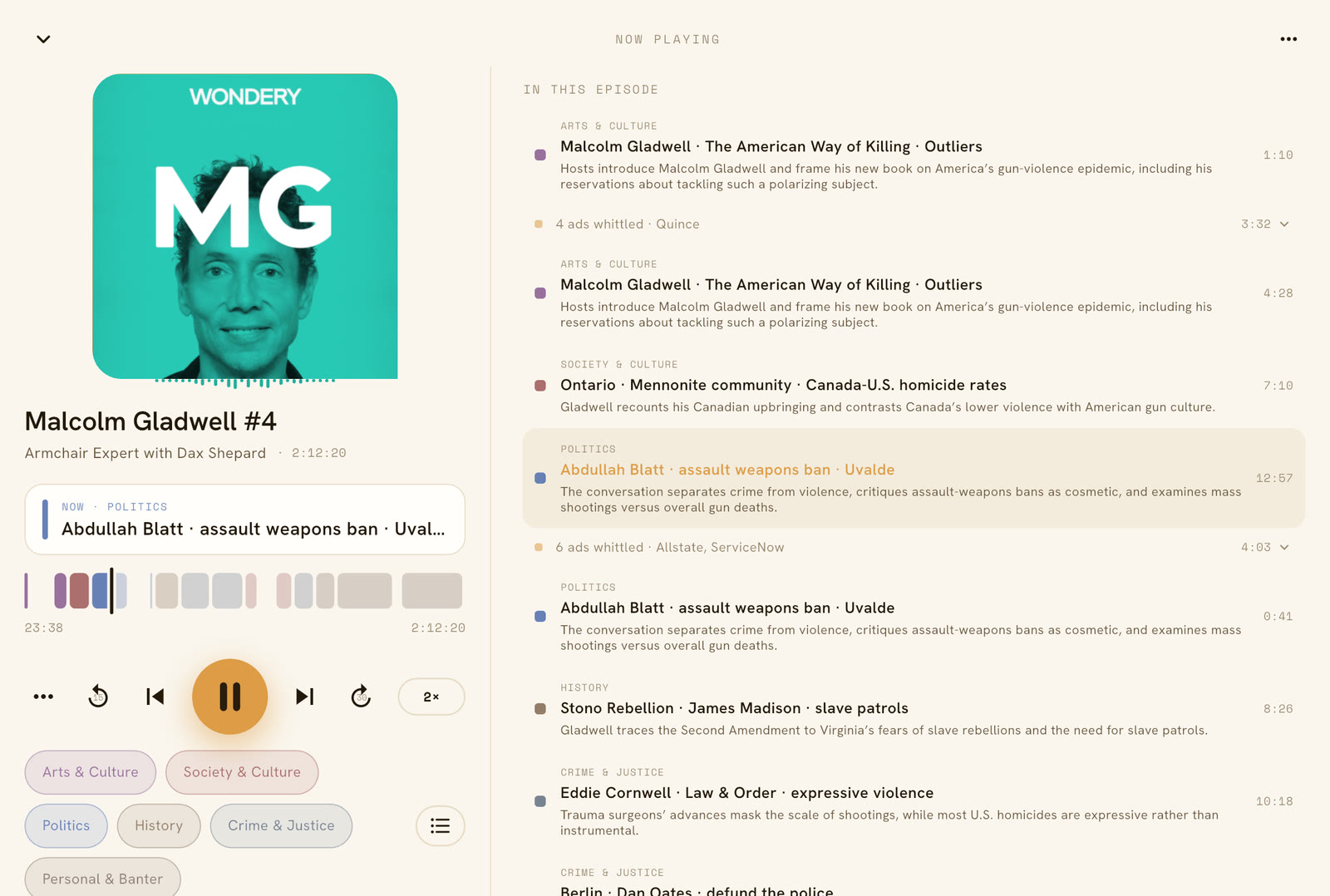
- Each episode is split into topic segments with a short summary.
- "In this episode" lists them; tap one to go straight to it.
- Turn on transcripts to read along. They're generated privately on your phone.
Find more
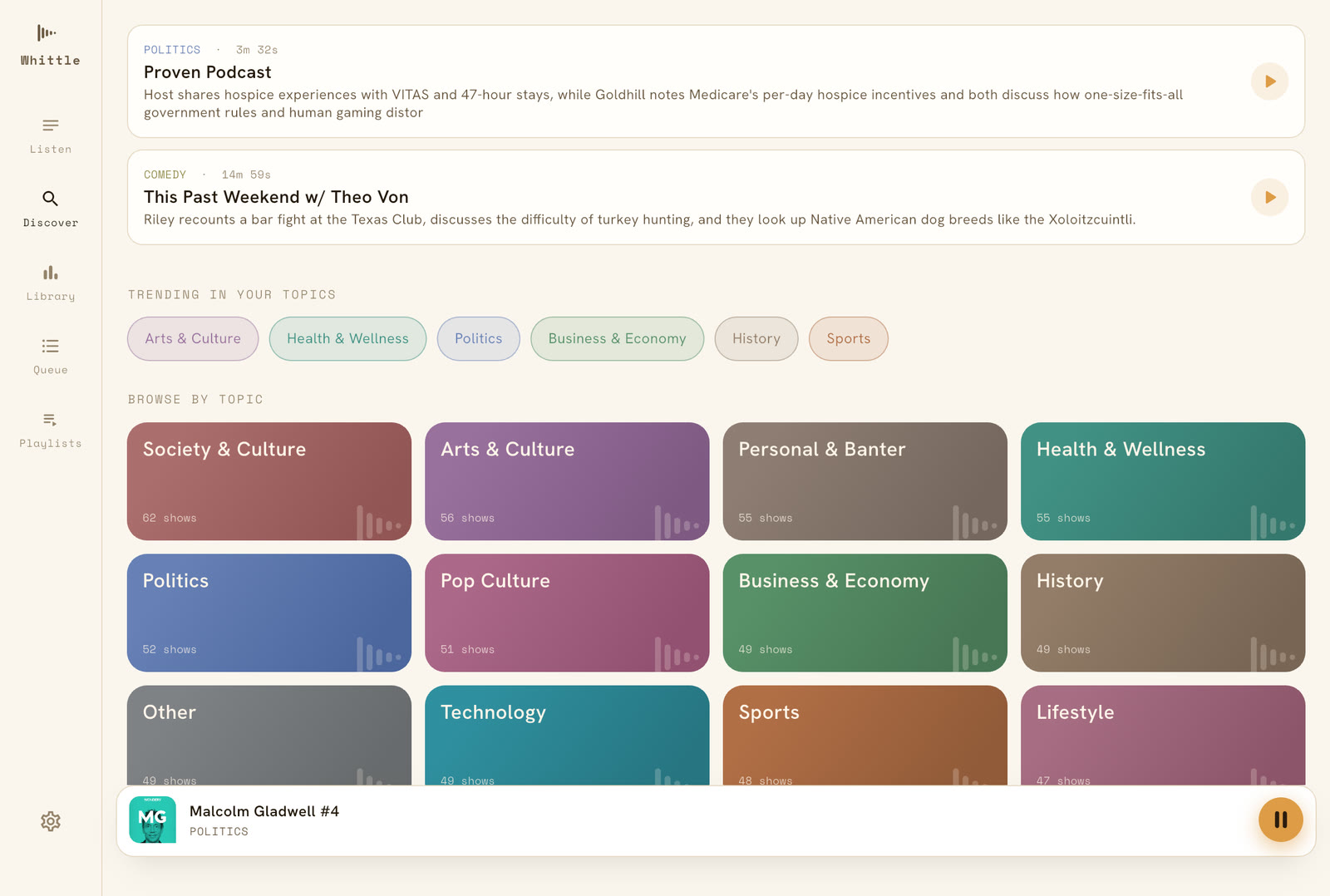
Picked for you.
- "Picked for you" ranks new episodes by what you listen to. Your taste profile is private.
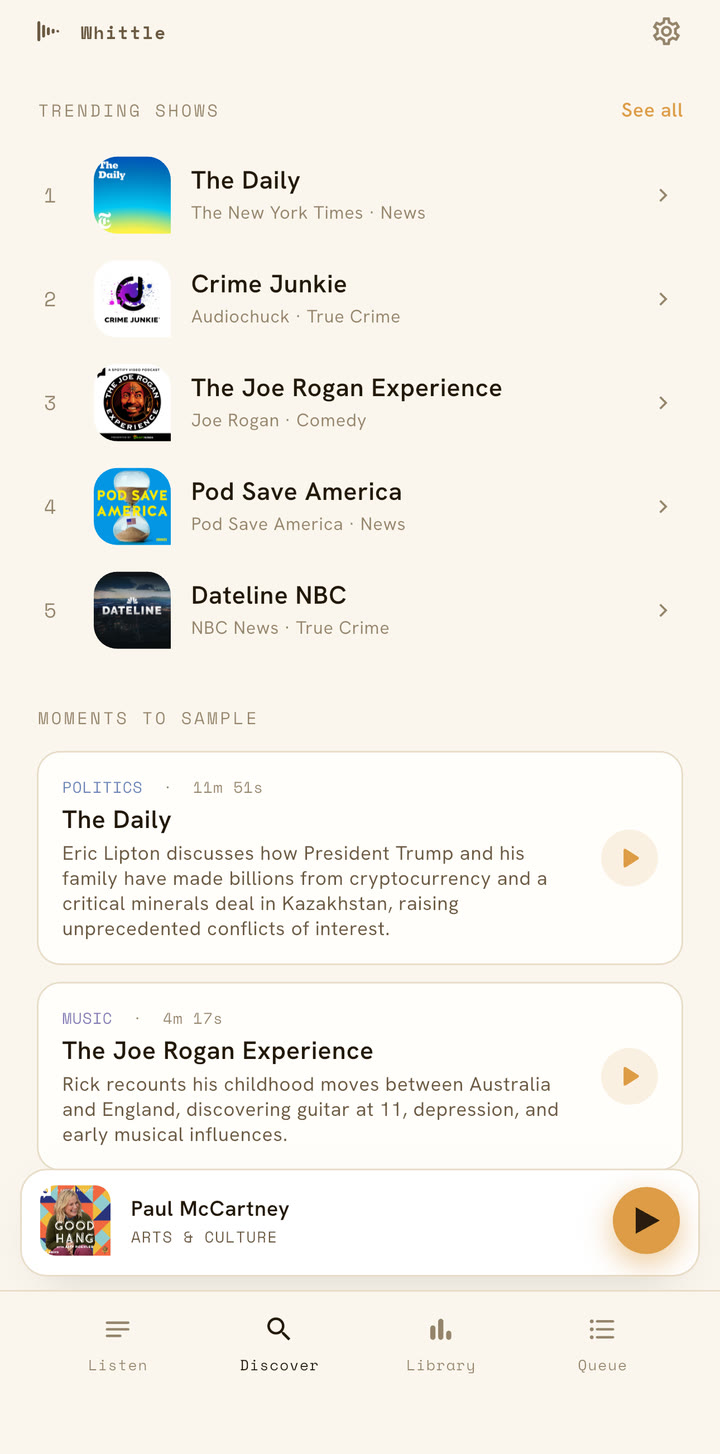
- "Moments to sample" suggests standout segments from trending shows.
- Browse by topic and find new shows and segments in Discover.
- Save segments you love and build playlists of episodes and moments.
Your choice
Skip the ads, or keep the good ones.
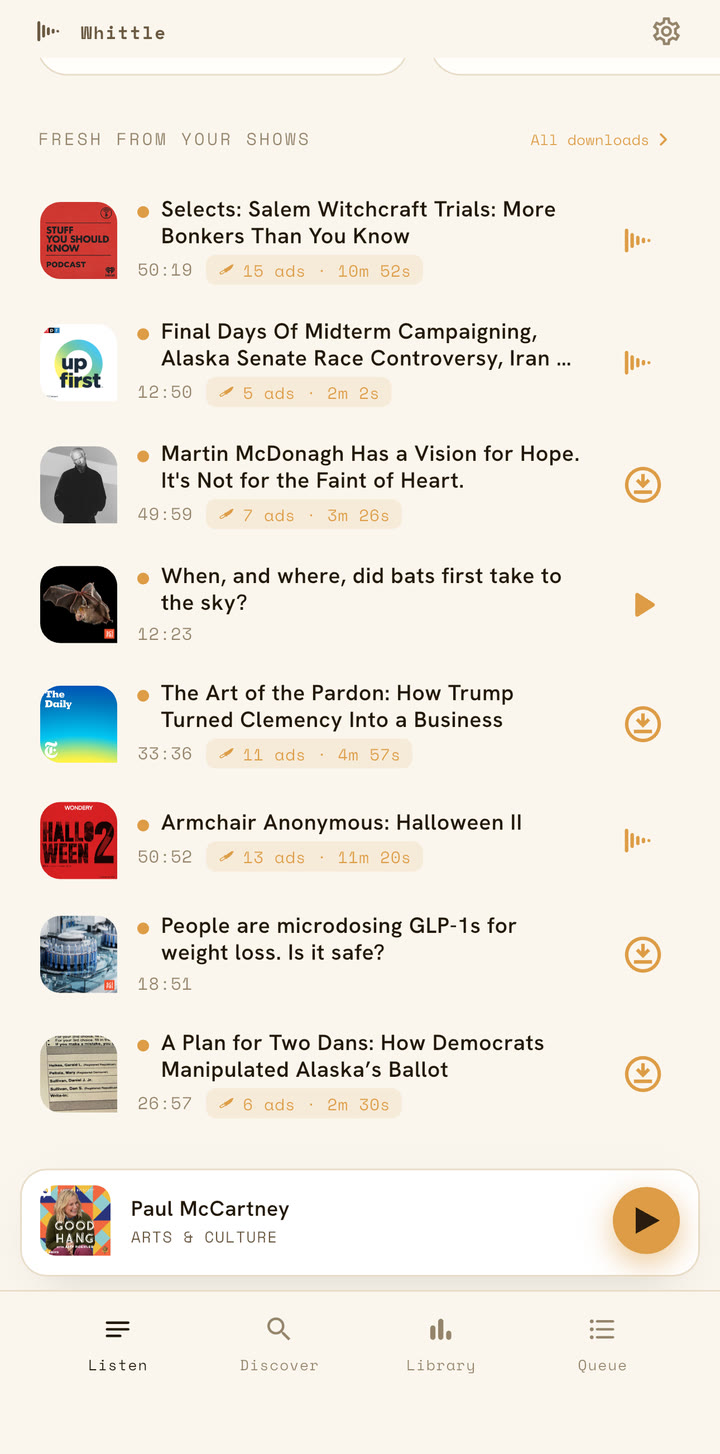
- Whittle marks sponsor breaks by brand and skips them as you play.
- Turn on "Keep banter ads" to hear the hosts' own reads.
- Turn off "Whittle ads automatically" to hear every ad.
A proper podcast player
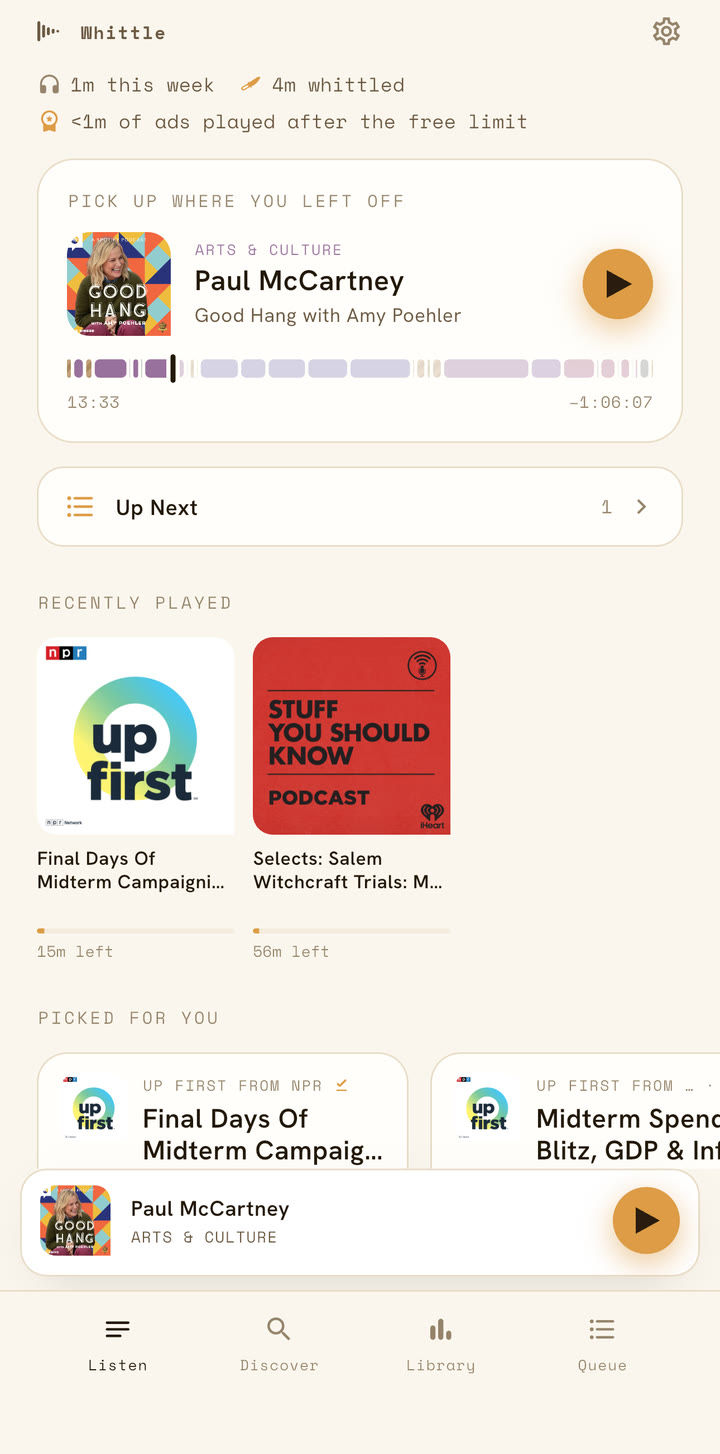
Any public podcast.
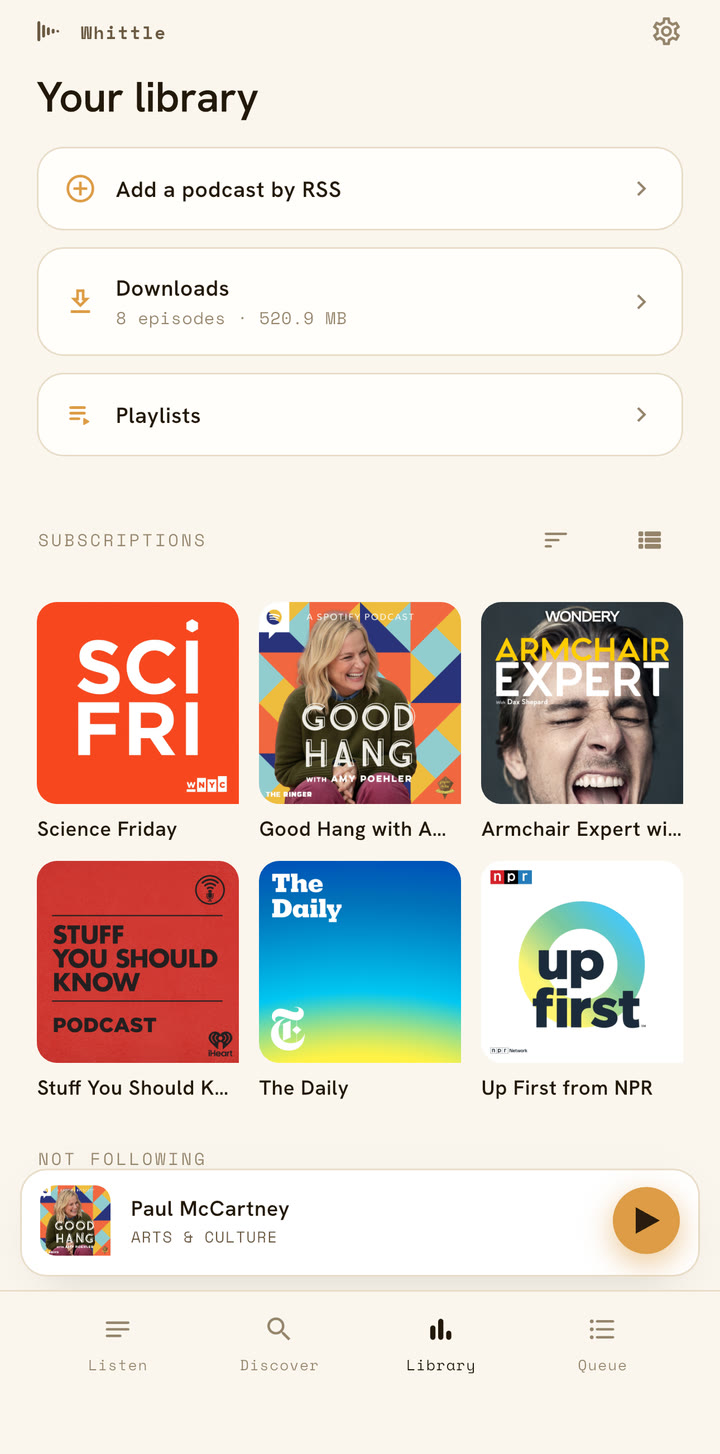
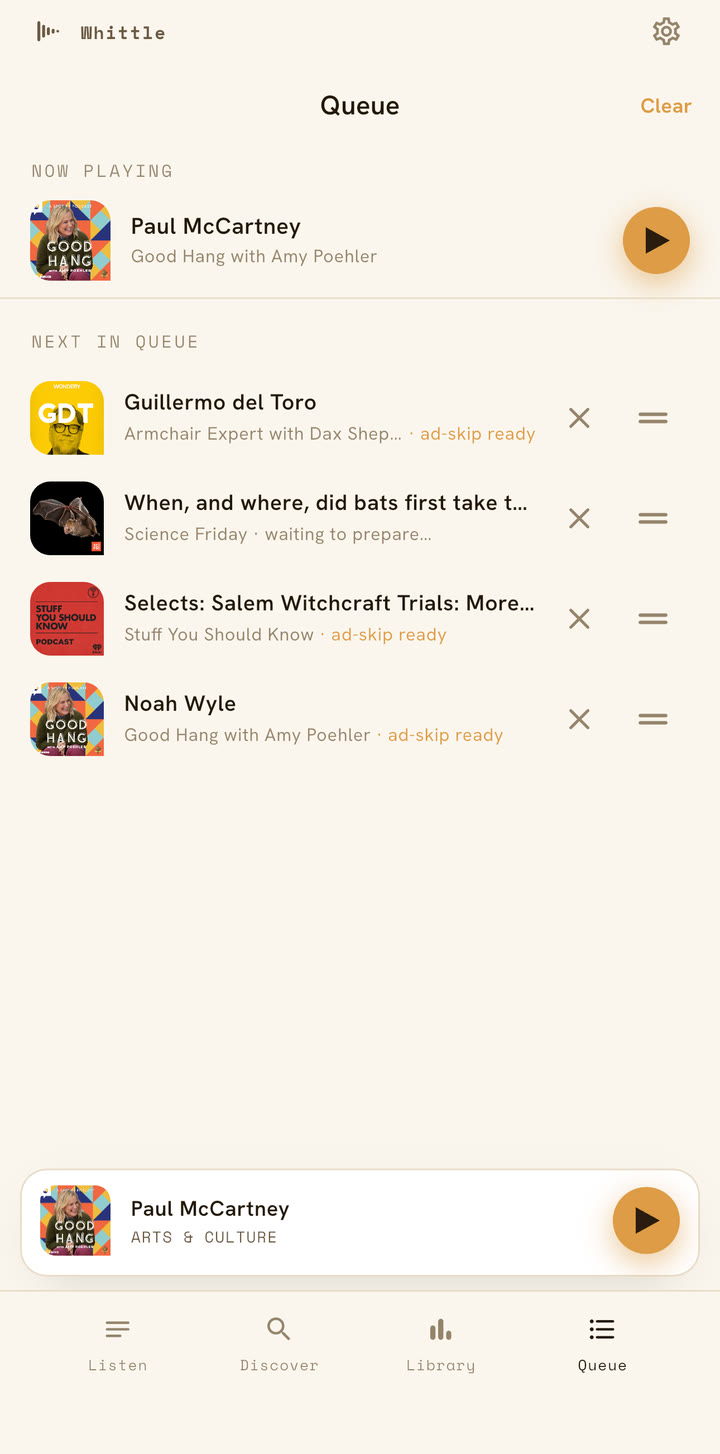
- Queue, recommendations, playlists, downloads and continuous play.
- Playback speed, Trim Gaps and skip forward/back.
- CarPlay and Apple Watch.
- The shows you follow and your settings sync to your account.
Apple Watch
Your podcasts on your wrist.
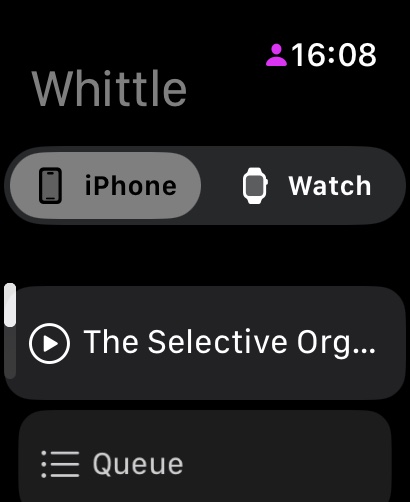
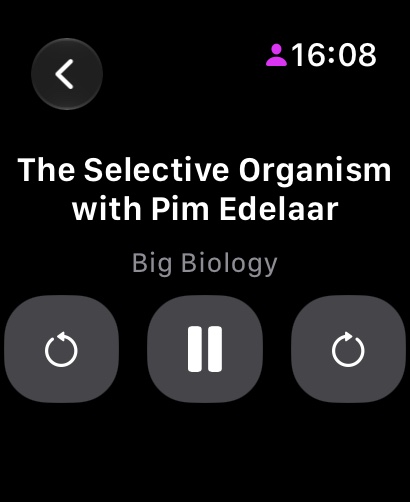
- iPhone mode is a remote for your phone: see what's playing, pause and skip, and play from or add to your queue, Up Next and downloads.
- Watch mode plays episodes saved to your Apple Watch with no iPhone needed, over Bluetooth headphones or the Watch's speaker on supported models. Ad breaks are skipped on the Watch too.
- Choose the shows and playlists to sync in Settings › Apple Watch. Unplayed episodes you've downloaded go over (up to 5 per show and 1 GB by default), finished ones are removed, and your progress syncs back to your phone.
- On-watch episodes are a Premium feature.
Your audio never leaves your phone.
- Your subscriptions and topics are encrypted end to end.
- Playlist searches are anonymized.
- Shows come straight from their publishers' feeds. Whittle doesn't distribute content or know what you download.
- Ad matching, skip checks and transcripts happen on your phone. Your audio never leaves it.
- Your history, playlists, queue and downloads are not visible to the server.
- No ads in the app, no third-party tracking, and we never sell data that can be used for tracking.
- Anonymized error reports and trend data are sent only if you opt in.
Whittle Premium
Everything Whittle can do.
Premium makes Whittled Playlists, skips every ad break, and saves episodes to Apple Watch. Free accounts skip 3 ad breaks an hour.
Monthly
$1.99/month
1-week free trial for new subscribers
Annual
$20/year
1-week free trial for new subscribers
Payment is charged to your Apple ID. Subscriptions renew automatically unless cancelled at least 24 hours before the end of the period; manage or cancel any time in your App Store account settings.